Set up a campaign
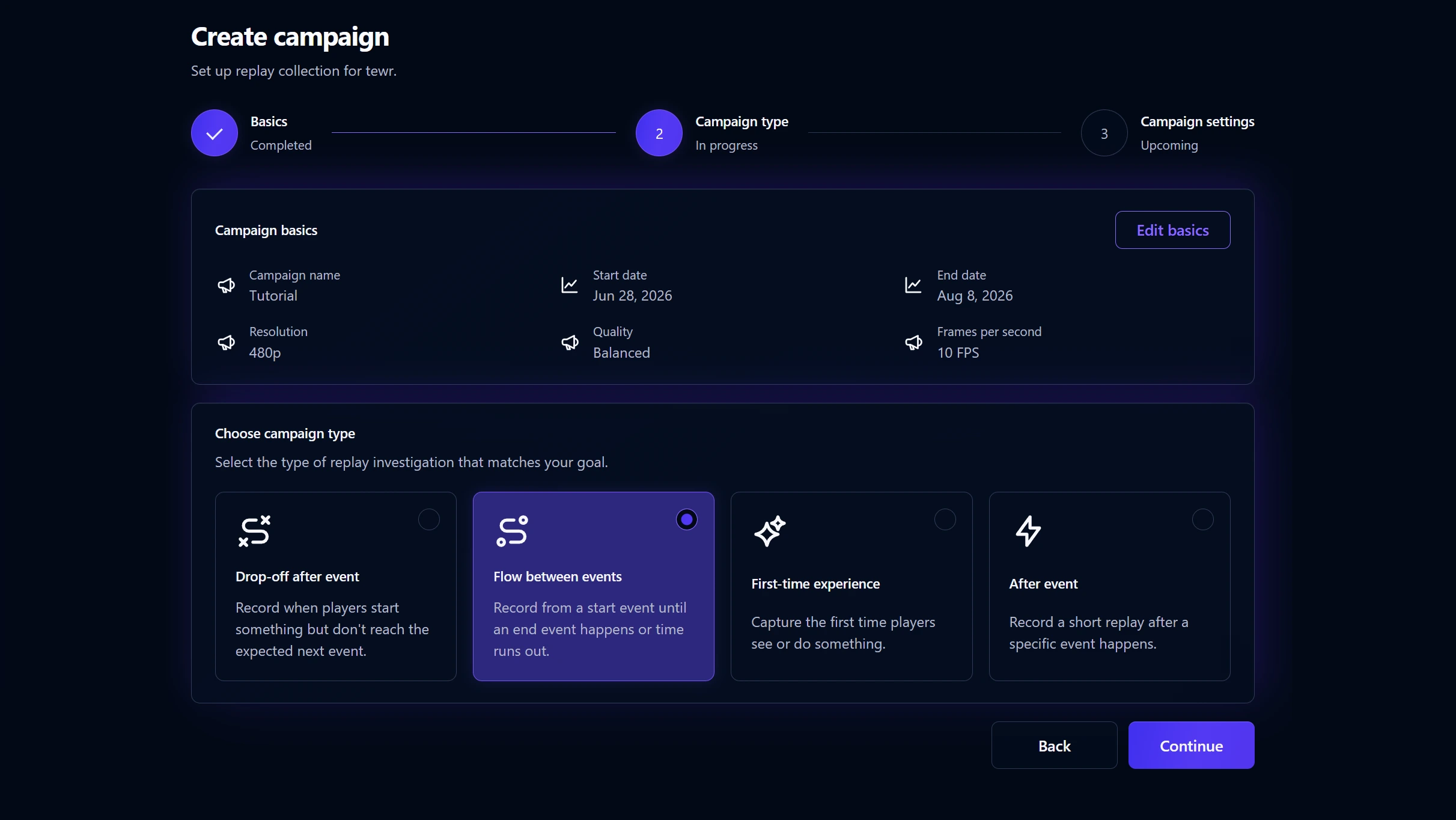
Choose what to capture and when. Playtrace handles the rest.
Built for games, loved by game teams.
Pin replay campaigns around the exact moments that matter. Capture the clip, preserve the context, and understand what happened before players leave.
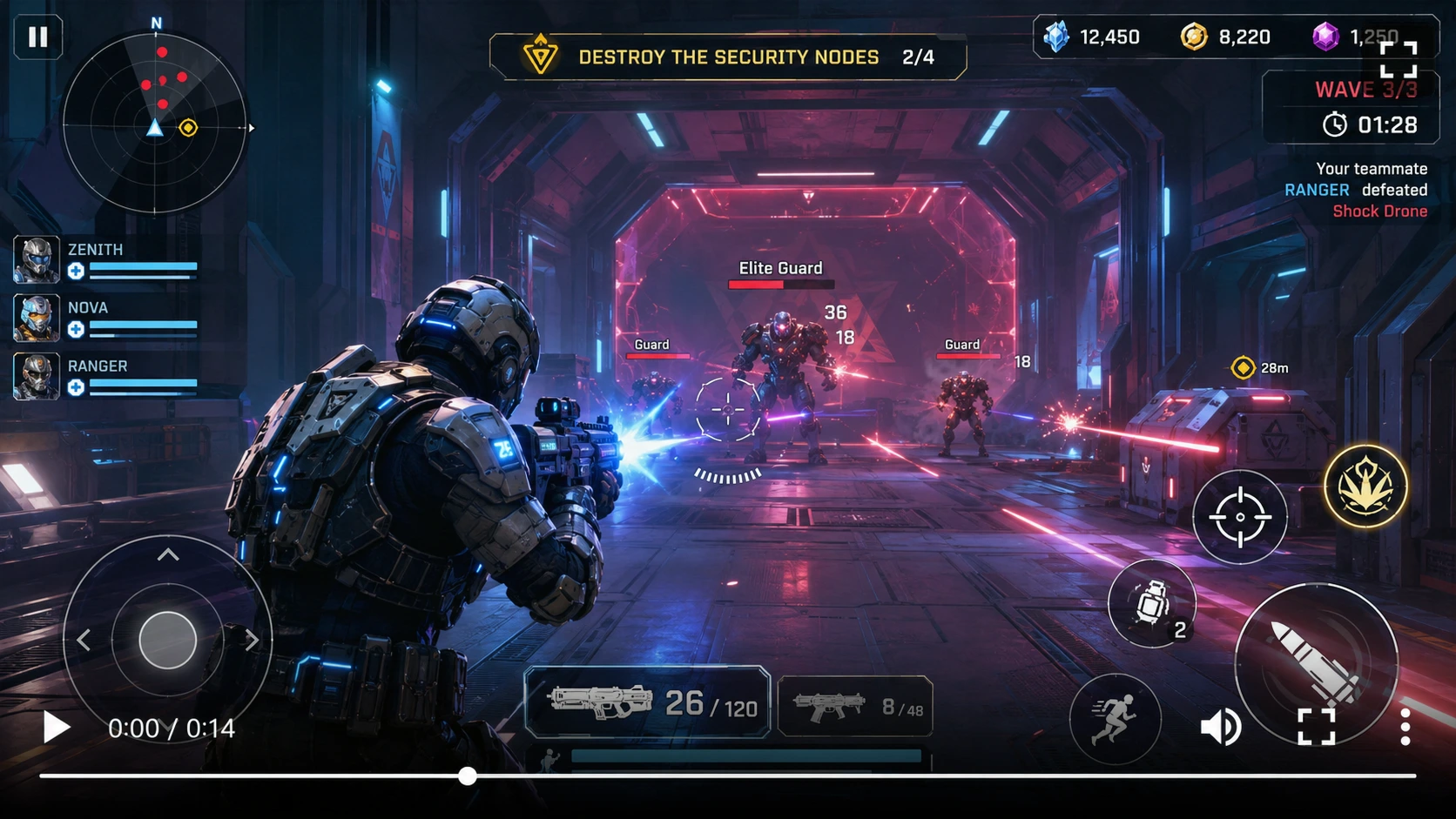
Recording campaigns tell the SDK when to record, when to stop, and which clips deserve to be uploaded.
Choose what to capture and when. Playtrace handles the rest.
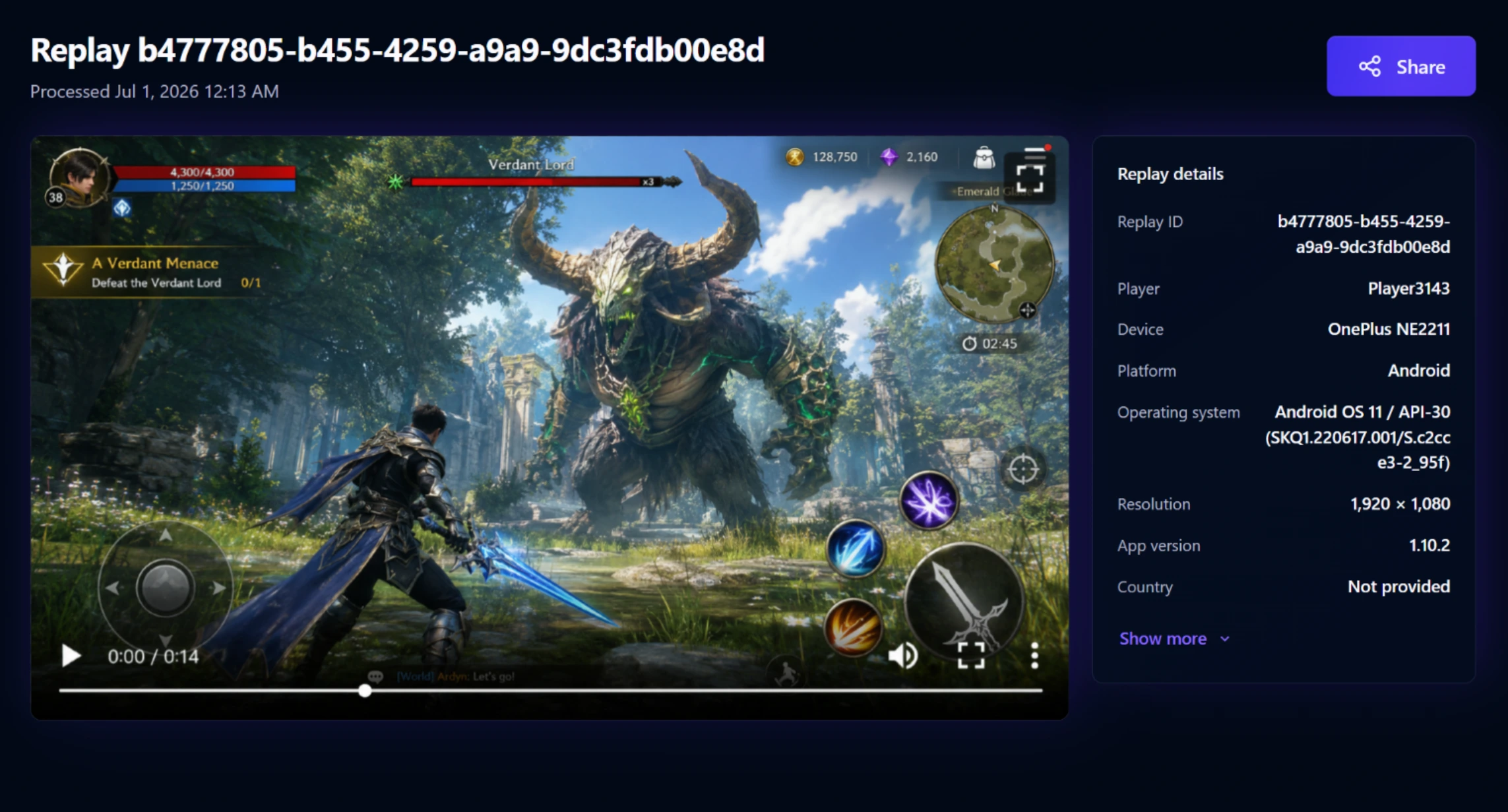
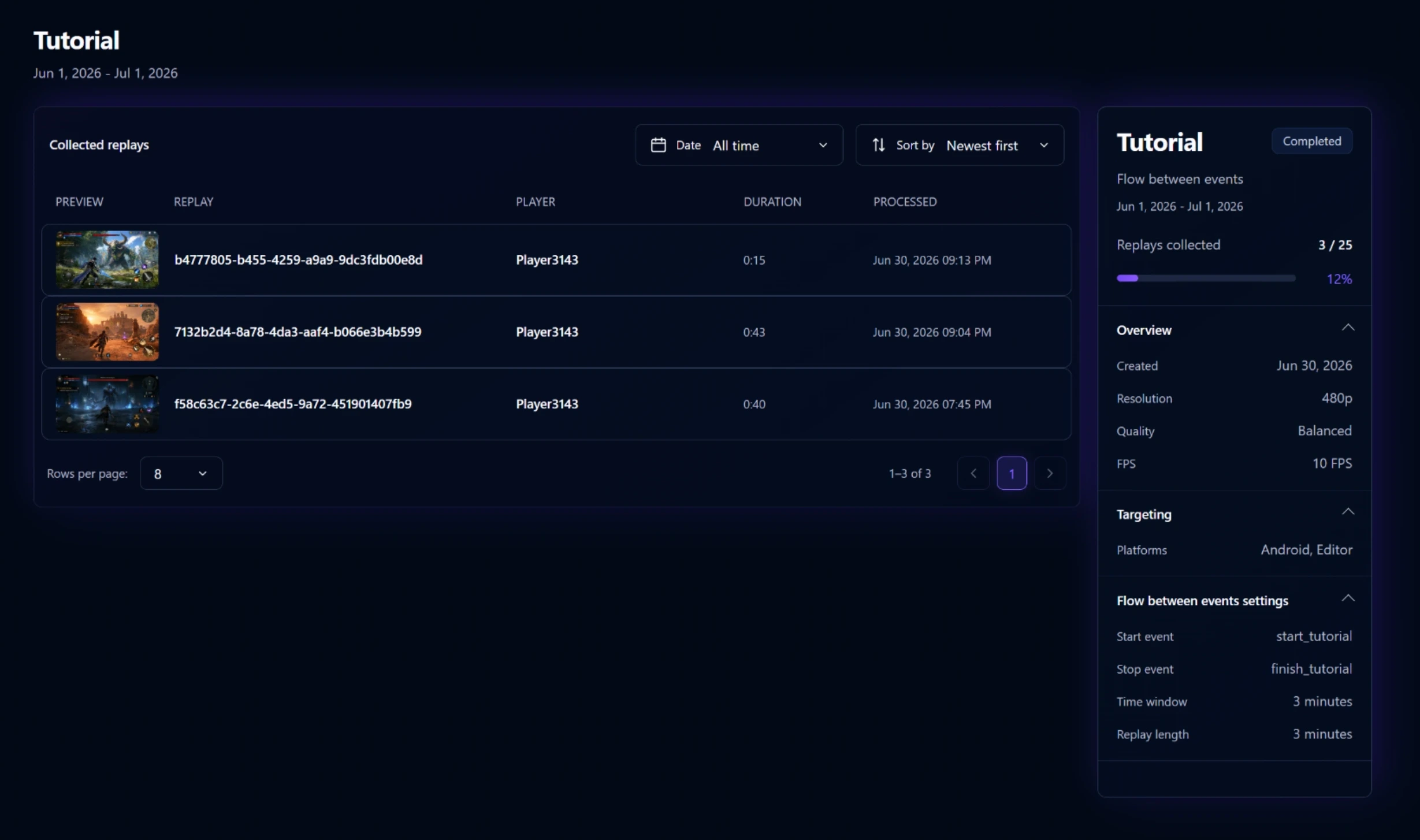
Hit a moment, collect real player replays, and review the evidence.
Start free for non-commercial projects. Contact us when you need Playtrace for production, research, or commercial teams.
For prototypes, students, solo experiments, and non-commercial projects.
$0 / month
For commercial teams that need replay evidence from real players.
$50 / month
See where players exit.
Spot moments of confusion.
Measure the impact of changes.
Identify lag, crashes, and edge cases.
Playtrace is replay management for Unity games, built around targeted recording campaigns.
Playtrace is designed to have minimal performance impact. Recording only happens when a campaign condition is active, so most players are not recording most of the time.
Yes. You can update campaigns from the Playtrace dashboard, and players will start using the new recording settings without requiring a game update.
No. Playtrace only records gameplay from inside your Unity game. It cannot record the player's device screen, other apps, notifications, passwords, or anything outside the game.
No. Playtrace is built around targeted recording campaigns. You choose which events matter, and Playtrace records only the sessions that match your campaign rules.
In most Unity projects, setup takes only a few minutes.
You can control the video quality. With lower-quality settings, replay uploads can use less than 50 KB per second of recorded video.
Start seeing what players actually do.
Set up your first replay campaign in minutes.